
A Bosch error code is most useful when you save the exact display, appliance type, model, cycle stage, and symptoms before resetting.
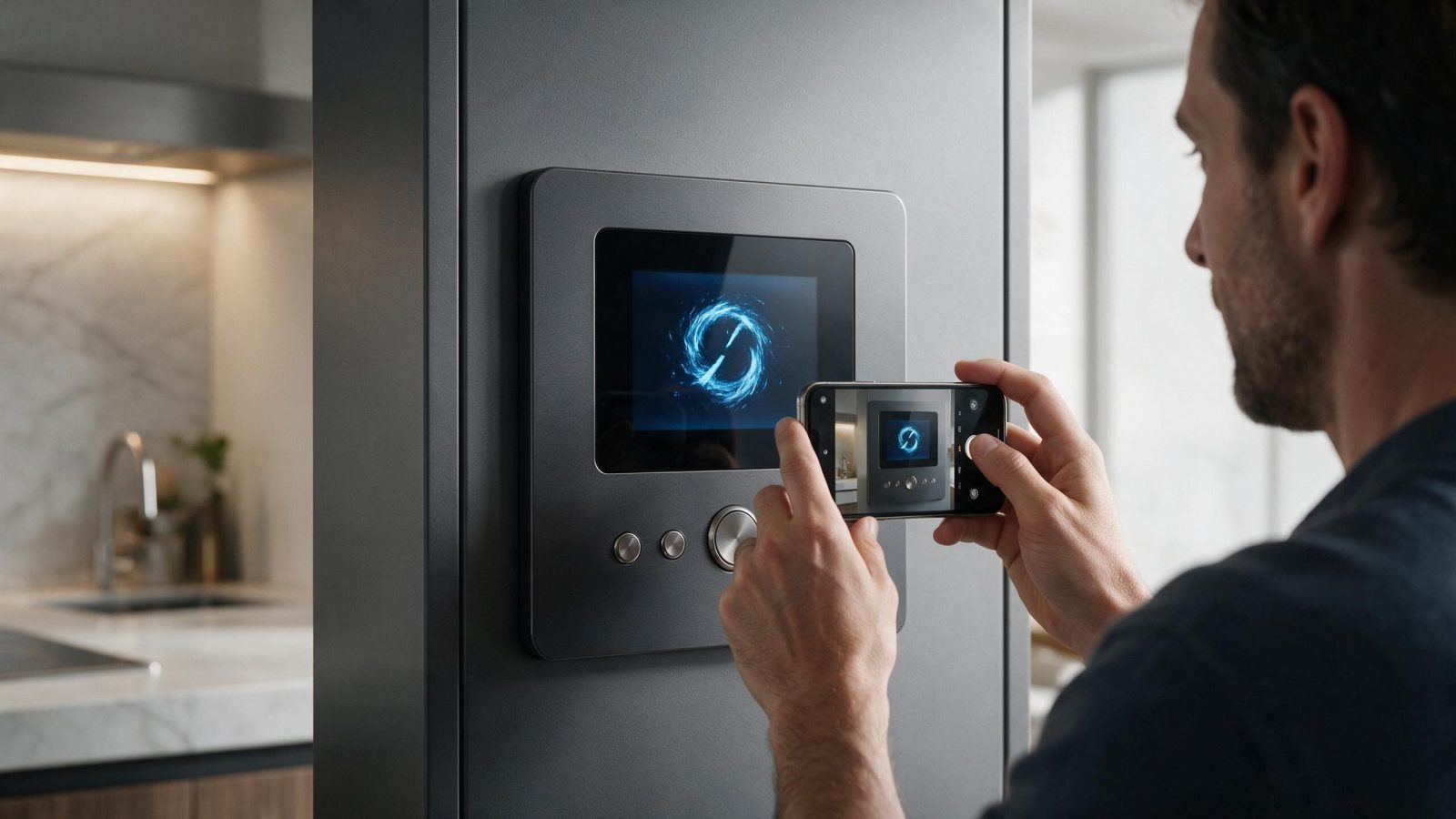
To capture a Bosch error code usefully, get the exact characters on the display, the appliance type, and the model/E-Nr label before you press anything, then add what the appliance was doing when the code appeared. A reset can clear the display without clearing the cause, so allow one documented reset at most and stop if the code comes back. A code names a detected condition, not a part to buy.
An error code is a diagnostic clue. It becomes much less useful when the display is cleared before anyone records what the appliance was doing.
Capture letters, numbers, dashes, leading zeroes, and flashing-light patterns.
Do not rely on memory. E15, E:15, F15, and a flashing indicator can belong to different platforms.
The layout of a code is itself a clue. The use-and-care manual for one Bosch dishwasher shows codes as E:xx-xx, alternating on the display, while the washer pages on the Bosch US site list pairs such as E16/F16 and E23/F23. An oven manual for one 800 Series model describes an E followed by a number, with beeping, as a fault code. Induction cooktop manuals can ask you to touch and hold a zone sensor to read the code behind a warning.
Because these formats do not line up, the appliance type decides which table you read. A code that matches a dishwasher entry tells you nothing about a washer, even when the characters look the same.
The same number can have a different meaning on a dishwasher, washer, dryer, oven, range, refrigerator, cooktop, or coffee machine.
Always match the appliance first.
| What you see | What it can point to | What you can safely check |
|---|---|---|
| E:xx-xx alternating on a dishwasher display | A dishwasher manual treats some of these as technical issues and others as problems outside the appliance, such as a kinked drain hose or a closed water supply valve | Look up the exact code in the manual for your model, then check only the external items it lists |
| E or F plus two digits on a washer | Washer pages pair these with specific conditions, for example a door that is open or an AquaStop hose that has activated | Match the code to the washer list, and shut off the water tap if the code is a water-protection one |
| E plus a number with beeping on an oven | The manual for one oven describes this as a fault code | Silence the beeping with any key as the manual says, then see whether the code returns |
| A warning in one cooktop zone display | The manual for one induction cooktop points to a fault code that can be read from that zone’s sensor | Follow the manual’s steps for reading it and leave the cookware off until you have the code |
| A lit indicator with no code, such as DR on a dryer | On one dryer manual, DR means water has not drained completely | Check the drain hose for kinks or blockage, as the manual says |
Take a photo of the rating label if possible.
Bosch product generations can use different controls and diagnostic logic even when the appliances look similar.
Reset advice is specific to the platform. The manual for one 800 Series oven says to stop the beeping, reset the oven, and if the code remains, turn the oven off and call for service. A dishwasher manual says to press On/Off, cut power for at least two minutes, and restore it, and to give customer service the code if it returns. An induction cooktop manual says that if a code is not in its table, you disconnect power, wait 30 seconds, reconnect, and give service the exact code.
The pattern is the same each time: one documented reset, then escalate with the code. None of these manuals asks you to keep cycling power. Check the wording for your own model, because other models can differ.
Write down:
That context can be more valuable than the code alone.
If the owner documentation provides a normal reset and there is no leak, electrical hazard, gas odor, or overheating, try it once.
If the same code returns, stop clearing the evidence.
Several codes in Bosch manuals are described as causes outside the machine. On the dishwasher manual mentioned above, a drain code can come from a garbage disposal plug that was never knocked out, a kinked drain hose, or a missing high loop, and a water-supply code can mean the supply valve is closed or the inlet line is kinked. A code for soiled or blocked filters is likewise a maintenance item. Reading the manual’s description before booking can separate these from codes that need a technician.
Water-protection codes are different. The same manual says to close the supply valve and contact customer service when a water protection code appears, so treat those as stop conditions rather than something to reset.
Search the Bosch Error Codes directory by appliance and exact code.
Do not use a random meaning from a different appliance family.
For recurring codes, use the relevant Bosch Appliance Repair Services page.
No. It identifies a detected condition or system path.
Include the model number and operating context too.
Record whether the symptom remains. Intermittent faults can still be diagnosed from a good history.
Yes. Dishwashers, washers, ovens, dryers, and cooktops each use their own code tables, so always match the appliance type before looking up a code.
A single code that does not return may have come from a passing condition. If it returns, stop clearing it and use the exact code and model label to get it diagnosed.
On Bosch large appliances the rating plate shows the model (E-Nr) and serial (FD) numbers. Its location differs by appliance, so check your manual.
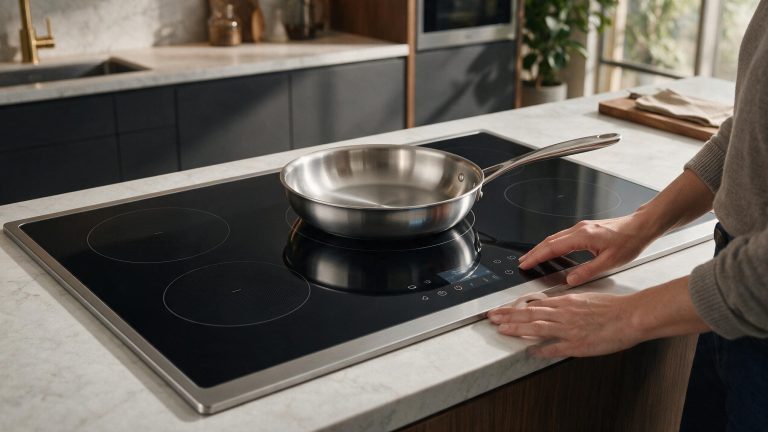
A Bosch induction zone that does not detect cookware should be tested with a known-compatible pan before power electronics are blamed.
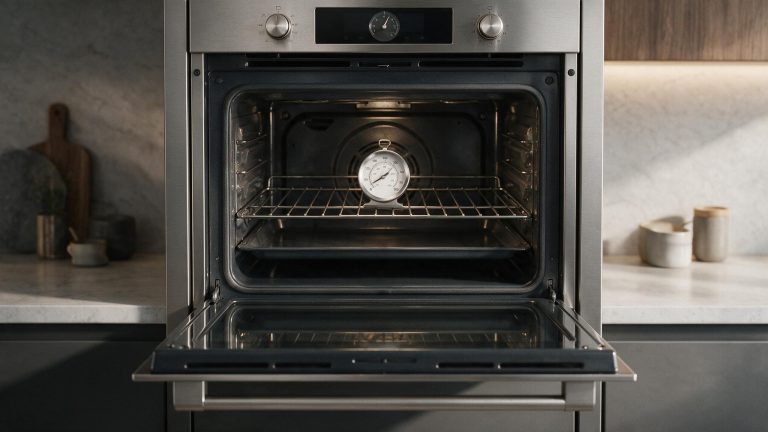
A Bosch oven cycles around its setpoint, so one thermometer reading can be misleading. Compare a stable pattern before adjusting calibration.
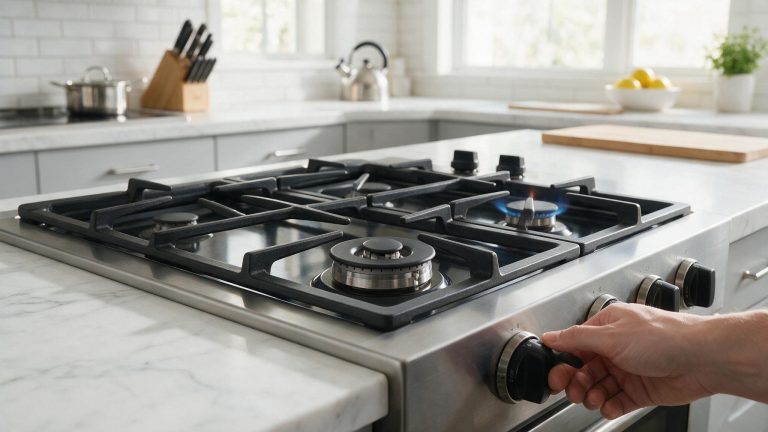
A Bosch gas burner that clicks but will not light may have moisture, residue, cap-position, ignition, or gas-supply conditions. Keep checks external.
Share a few details and we’ll confirm an appointment. Prefer to talk? Call us and we’ll help right away.
Use the secure scheduler below to request your appointment.