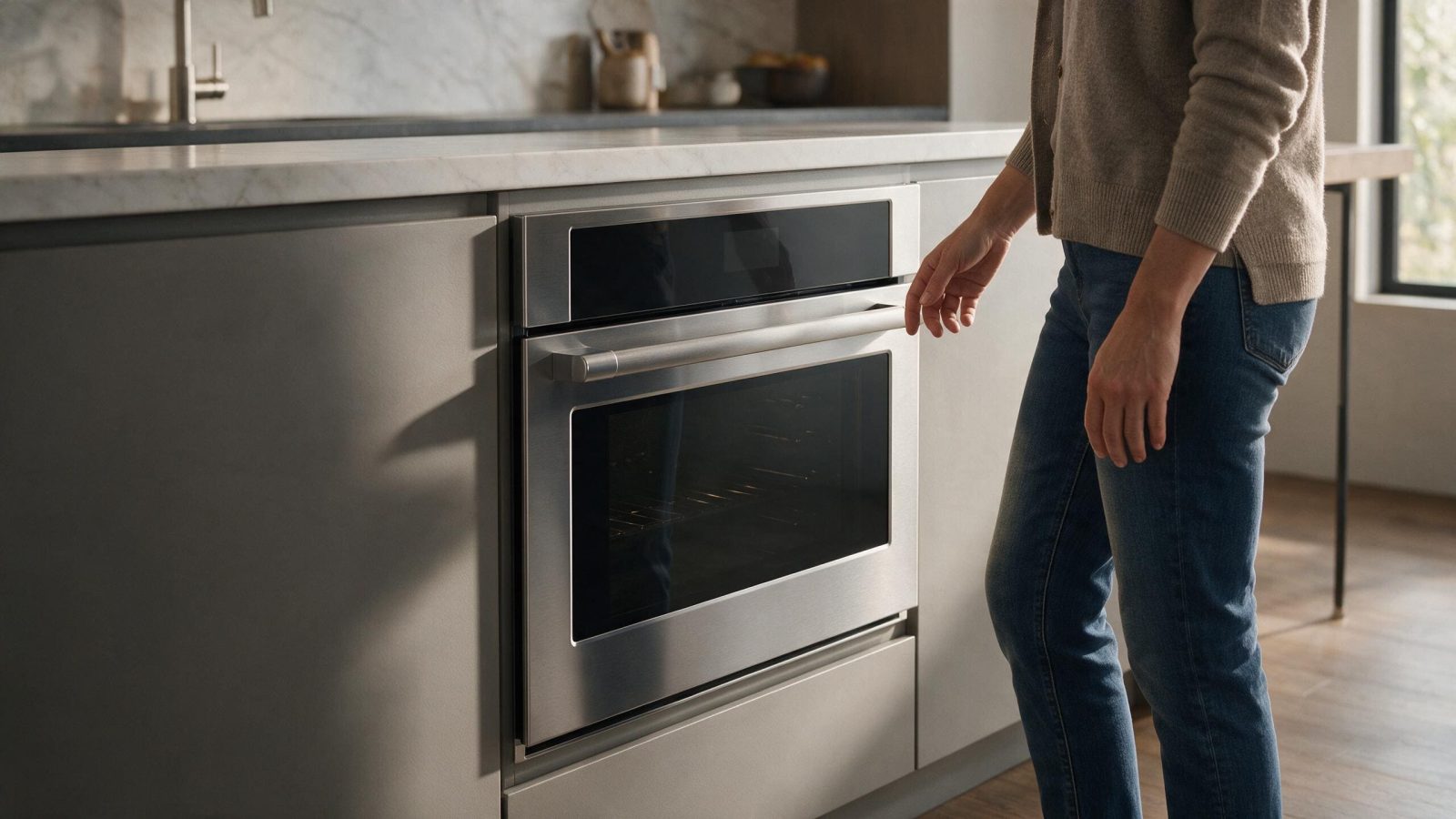
A Bosch oven door may stay locked while the cavity cools after self-clean. Do not force it; distinguish normal cooldown from a latch fault.
A Bosch oven door that stays locked right after a self-clean program is often just waiting for the oven to cool, so the first thing to look at is the display and the time. If the oven is fully cool, the display no longer shows the cleaning message, and the door is still locked, that is the point to try the manual’s single reset and then book service if it persists. Never force the handle.
A locked oven door immediately after a high-temperature cleaning program is not automatically a failure. The control can keep the door locked until the cavity reaches a safe condition.
The important distinction is whether the lock releases after the normal cool-down.
The use-and-care manual for one Bosch 800 Series oven describes a sequence after the cleaning timer ends: the oven must cool before the door unlocks, the display shows COOLING DOWN and then SELF CLEAN FINISHED, and the door opens only after Self Clean disappears from the display. A door that is locked while those messages are on screen is behaving as described, not failing.
Check your own manual, because the wording differs between models.
Do not pull on the handle or force the latch.
Follow the exact model instructions for the end of the cleaning cycle.
Cleaning length plays a part too. The same manual gives a default Self Clean time of four hours, adjustable from two to four, with the longer setting meant for a heavily soiled oven. A longer program means a longer cool-down before the lock releases.
Record any error code before a reset.
Bosch oven platforms use latch, temperature, and control diagnostics that can help separate a door mechanism condition from a temperature or electronic fault.
Use Bosch Oven Error Codes for the displayed code.
| What you see | What it can point to | What you can safely check |
|---|---|---|
| Door locked and COOLING DOWN on the display | The manual for one model says the door stays locked while the oven cools | Leave it alone and watch the display |
| Door locked while the oven is still hot | Normal lock behavior after a cleaning program | Do not pull the handle; wait for the cleaning message to clear |
| Cooling fan still running after the oven is off | The manual for one model says the fan can run until the oven has cooled and calls it normal | Let it finish before judging the lock |
| Door still locked after the display has cleared and the oven is cool | A latch, temperature, or control condition | Try the manual’s single reset, then stop |
| Beeping with E and a number on the display | The manual for one model calls this a fault code | Press a key to stop the beeping and see whether the code returns |
| Latch motor heard repeatedly trying to move | A latch or control fault | Do not force or bypass anything; stop and book service |
After the oven has cooled, use the manufacturer-approved reset if the manual provides one.
Do not repeatedly cycle power while the oven is still hot.
The troubleshooting chart in the manual for one 800 Series oven says that if the door stays locked and will not open even after the oven has cooled, you turn the oven off at the circuit breaker, wait five minutes, and turn it back on, after which the oven should reset. It is the single reset this article refers to, and it applies after the oven has cooled. If the door is still locked afterward, repeating it adds nothing.
If a fault code appears instead, the same manual says to press any key to stop the beeping, reset the oven, and, if the code remains, turn the oven off and call for service.
Service is appropriate when:
Do not bypass the latch or remove the oven from cabinetry to access the mechanism.
A lock that releases late is different from one that never releases. A late release after a long cleaning setting points toward cooling time. A lock that stays shut well after the oven is cool, or that returns a latch code on the next attempt, points toward the lock system. The display and the cleaning length you chose are the two facts that separate them.
Request Bosch Oven Repair if the door remains locked after the normal process.
No. That can damage the latch, door, or control system.
Not necessarily. Temperature and control logic also affect the lock.
Not during a normal cool-down unless the model instructions call for it or there is an unsafe electrical condition.
It stays locked until the oven has cooled and the self-clean message has left the display. The manual for one model sets the default cleaning time at four hours and lets you pick two to four, so the total depends on the setting you chose.
The manual for one 800 Series oven says the cooling fan can keep running after the oven is off until it has cooled, and it calls that normal.
Hold off if the door did not release after a full cool-down. Repeated cleaning on an oven that did not unlock is a reason to request service first.
A Bosch error code is most useful when you save the exact display, appliance type, model, cycle stage, and symptoms before resetting.
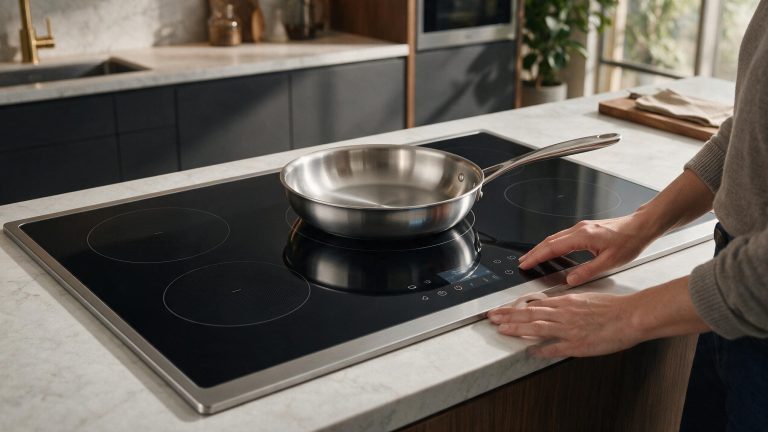
A Bosch induction zone that does not detect cookware should be tested with a known-compatible pan before power electronics are blamed.
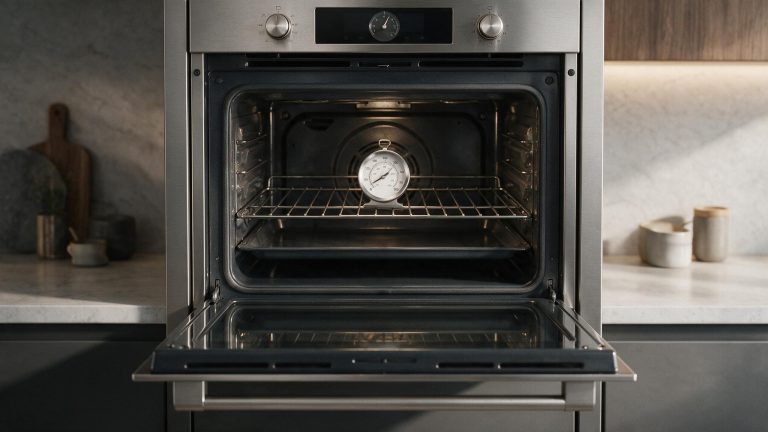
A Bosch oven cycles around its setpoint, so one thermometer reading can be misleading. Compare a stable pattern before adjusting calibration.
Share a few details and we’ll confirm an appointment. Prefer to talk? Call us and we’ll help right away.
Use the secure scheduler below to request your appointment.